Last updated: 13 November 2026
Short answer: The online auction website features that matter most are proxy (maximum) bidding, an anti-sniping extension that pushes the close back when late bids arrive, reserve prices, a clearly explained buyer's premium, simple bidder registration and a lot catalogue that works on a phone. Get those right and bidding feels fair, bidders trust you, and they come back for the next sale.
A regular bidder has been watching a lot all week.
They check in at 7.58pm. The sale closes at 8.00pm. They type their bid, hit submit... and the lot is gone. Someone else bid with one second left.
They don't ring to complain. They just quietly stop bidding with you.
That's the real cost of a weak auction website. Not a crash, not an ugly design. Bidders who feel the system wasn't fair.
Here's how each key feature works, in plain English, and what to look for in your own site.
The core online auction website features, explained
Proxy bidding (maximum bids)
Proxy bidding lets a bidder enter the most they're willing to pay. The website then bids for them automatically, one increment at a time, only as far as needed to stay in front.
For example (made-up round numbers): a lot opens at $100 with $10 increments. Bidder A sets a maximum of $200. The current bid shows $100 for Bidder A, not $200. Bidder B bids $150, so the system lifts Bidder A to $160. If Bidder B then sets a maximum of $250, Bidder A is outbid and gets an email.
Why it matters:
- Bidders don't have to sit on the page all night.
- Nobody pays more than they need to.
- Busy people (your best buyers) can still compete.
What to check: is the maximum kept private? Are bidders told clearly when they're outbid? What happens when two maximums are equal? (Usually the earlier bid wins. Say so in your terms.)
Anti-sniping (soft-close extensions)
"Sniping" is bidding in the final seconds so nobody has time to respond.
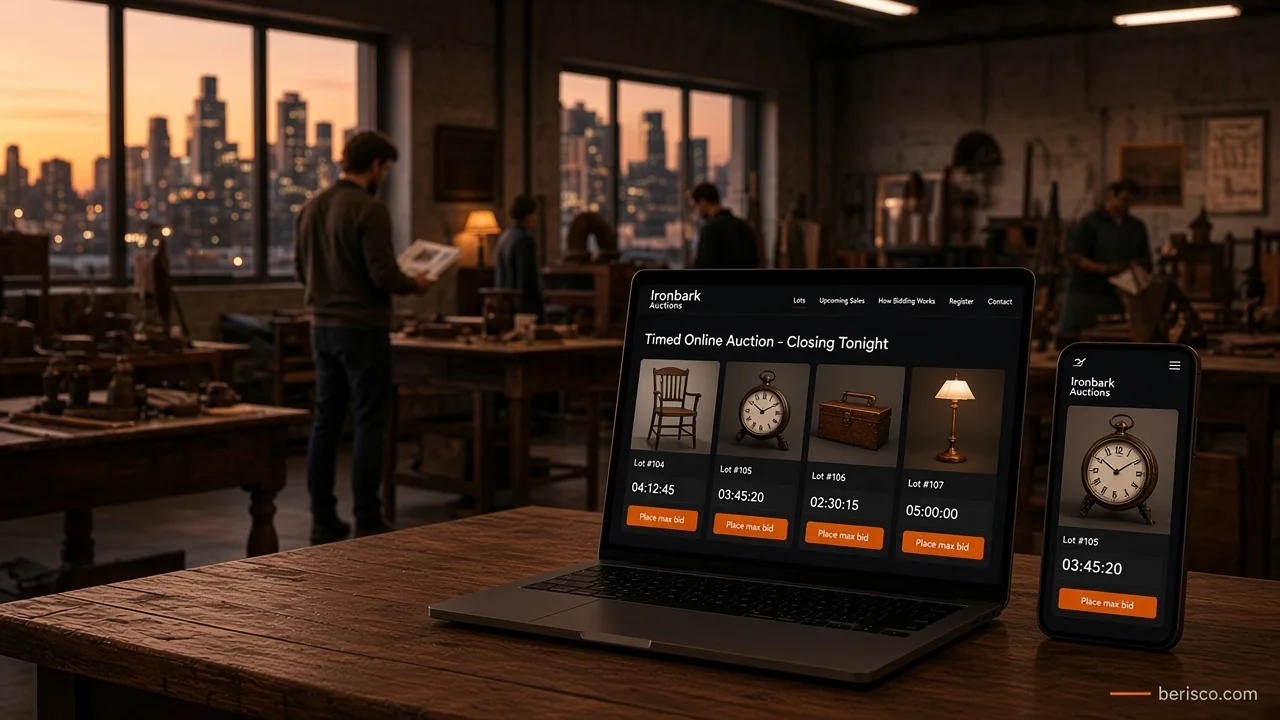
An anti-sniping extension, also called a soft close, fixes it. If a bid lands within a set window near the end, the closing time is pushed back, for example by 10 minutes. It keeps extending until the bidding goes quiet.
Why it matters: the lot goes to the person willing to pay most, not the one with the fastest thumb. It also feels much more like a real saleroom.
What to check:
- Can you set the extension window and length?
- Does the countdown timer update live for everyone?
- Is the rule written in your terms, in plain words?
One side effect: extensions pack your traffic into the last minutes of a sale. Your hosting has to cope with that, which we'll cover in our upcoming guide to hosting a real-time auction website.
Reserve prices
A reserve is the lowest price the vendor will accept. If bidding doesn't reach it, the lot doesn't sell (or goes to a post-sale offer, depending on your process).
Good auction sites show "Reserve not met" or "Reserve met" without revealing the actual figure. Bidders hate finding out after the close that the top bid was never going to win.
Bid increments
Increments are the steps between bids. Most sites use a sliding scale: small steps on cheap lots, bigger steps on expensive ones.
Publish your increment table. Surprises at bid time feel like tricks, even when they aren't.
Planning an auction site, or fixing one that frustrates bidders? Berisco builds and manages auction websites for Australian businesses. Book a free consultation and we'll look at how your sales run today.
Buyer's premium calculation, with a worked example
A buyer's premium is a percentage the winning bidder pays on top of the hammer price. Your website should calculate it automatically and show it before checkout, not as a surprise on the invoice.
Example only (made-up round numbers, not a recommended rate):
| Amount | |
|---|---|
| Winning bid (hammer price) | $1,000 |
| Buyer's premium at an example 10% | $100 |
| Total the buyer pays | $1,100 |
Simple, but there are details to settle before you build:
- Is the premium GST-inclusive or GST-exclusive? Say which, every time you mention it. For how GST applies to your business, check the ATO's GST guidance and your accountant.
- Does the premium change by category (for example, vehicles vs general lots)?
- Where is it shown? On every lot page, in the terms and in the checkout total.
Under Australian Consumer Law, prices and fees must be clear and not misleading. The ACCC's business guidance is the place to start.
Bidder registration and lot catalogues
Bidder registration
Registration should be quick, but it's also your first line of defence.
A solid setup includes:
- Account with email verification
- Acceptance of your terms at registration, recorded with the date
- Optional extra checks for high-value sales (ID, card on file or approval by staff)
- A privacy policy that explains what you collect, in line with the Australian Privacy Principles
Lot catalogues
The catalogue is your shop window. On a phone, a bidder should see in seconds:
- Lot number and title
- Several clear photos they can zoom
- Condition notes (honest ones)
- Current bid, bid count and a live countdown
- Reserve status and buyer's premium
- Collection or delivery details
Add search and filters by category for larger sales. And build towards WCAG accessibility guidelines so more bidders can actually use it.
What this looks like in practice
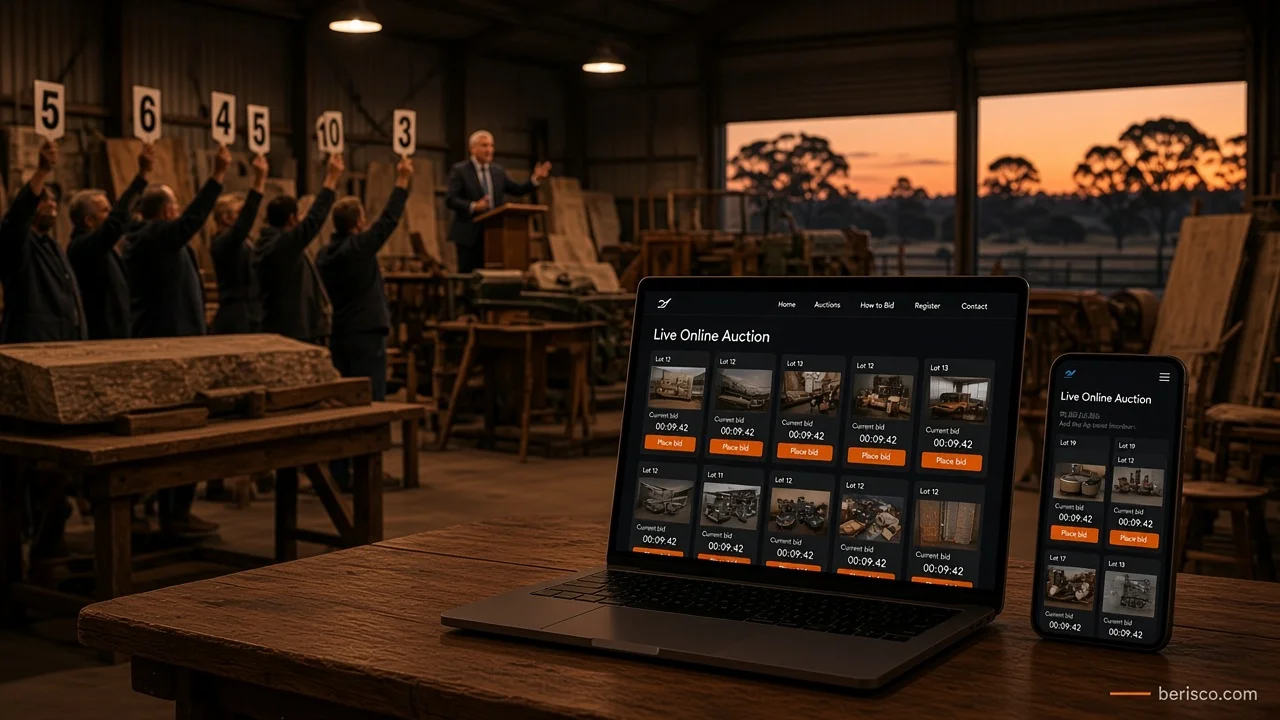
We manage the website and hosting end to end for an Australian auction house that sells lots online, from furniture to tools.
Their site runs on WordPress and WooCommerce with an auctions plugin, and the features in this guide are all part of it:
- Lot listings with start times, current bid and bid count
- Bidder registration and accounts before anyone can bid
- Normal and proxy bidding, both explained in the auction terms
- A 10-minute anti-sniping extension, so late bids don't shut others out
- Buyer's premium, payment and collection rules set out in plain terms
- Page caching on fast hosting, so the catalogue loads quickly
The takeaway: none of this needs a huge custom platform. It needs the right features, set up carefully and written into clear terms. If you're still choosing a system, our guide to auction website software in Australia compares hosted platforms, WooCommerce and custom builds.
Quick-win checklist: is your auction site fair and clear?
- Bidders can set a maximum (proxy) bid
- An anti-sniping extension is switched on and explained
- Reserve status shows "met" or "not met"
- Your increment table is published
- The buyer's premium shows on every lot and in the checkout total, with GST treatment stated
- Terms are accepted at registration, not buried in a PDF
- Outbid emails arrive within moments
- Lot pages work well on a phone
- You've run a full test sale, registration to payment, before going live
If you ticked fewer than seven, your site is probably costing you bids.
Common mistakes to avoid
- Hard closes with no extension. Fast for you, frustrating for bidders.
- Hiding the buyer's premium until the invoice.
- Caching the live bid along with the page, so bidders see old prices.
- Unclear tie rules for equal maximum bids.
- Skipping licensing checks. Auctioneer rules vary by state; use the government's ABLIS licence finder. That's your responsibility, not your web developer's.
This isn't legal or tax advice. Get your auction terms reviewed by a professional who knows your state.
How Berisco can help
Berisco builds and manages WooCommerce auction websites for Australian businesses: lot catalogues, bidder registration, proxy bidding, anti-sniping extensions, buyer's premium at checkout, terms pages and hosting that holds up when the sale closes.
Want your online sales to feel as fair as your saleroom? Contact Berisco for a free consultation, or explore our e-commerce solutions.
Frequently asked questions
What features does an online auction website need?
At minimum: lot catalogues, bidder registration, proxy bidding, an anti-sniping extension, reserve prices, bid increments, a clear buyer's premium and checkout for winners.
How does proxy bidding work?
The bidder enters a private maximum. The website bids for them one increment at a time, only as high as needed to stay in front, up to that maximum.
What is an anti-sniping extension?
It's a rule that pushes back the closing time, for example by 10 minutes, when a bid arrives near the end. It stops last-second bids from winning unfairly.
How is a buyer's premium calculated?
It's a percentage of the hammer price added to the buyer's total. For example, an example 10% premium on a $1,000 bid adds $100. State whether it includes GST.
Should I show the reserve price?
Most auction sites don't show the figure. They show whether the reserve has been met, so bidders know where they stand.
Can WooCommerce handle these auction features?
Yes, with a good auction plugin. Proxy bidding, soft-close extensions, reserves, increments and registration are common plugin features. Test them fully before a live sale.