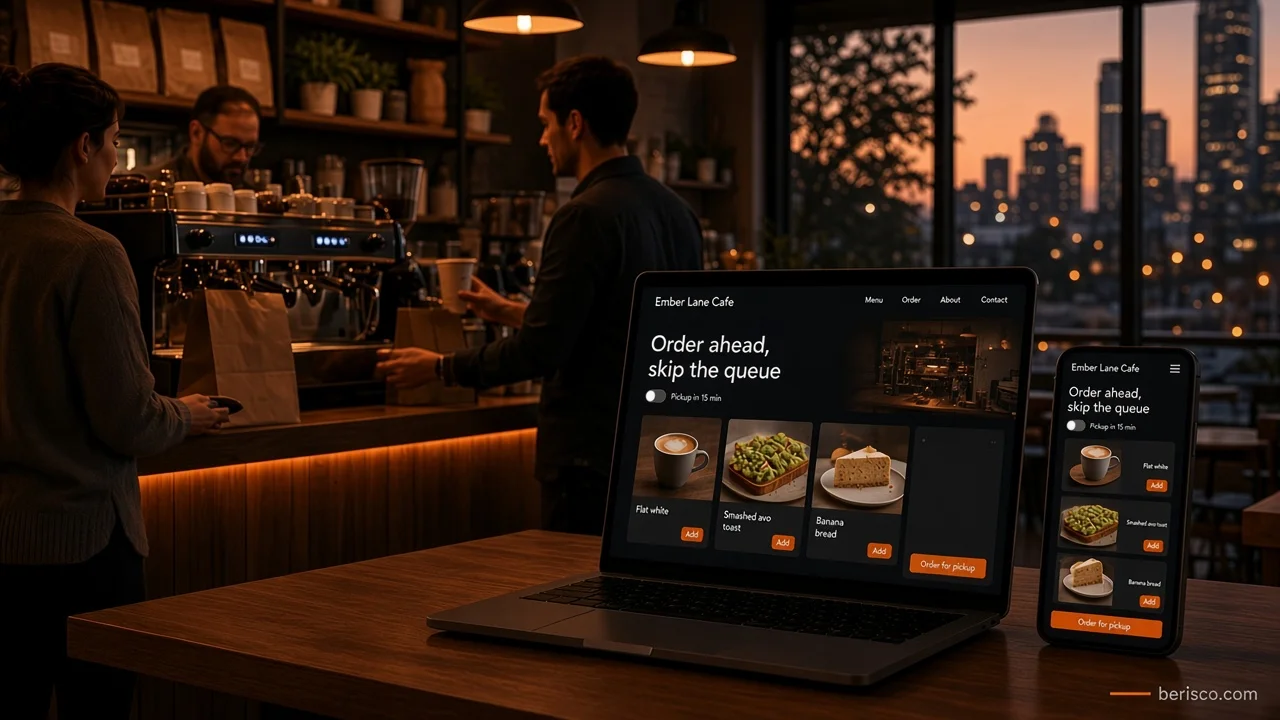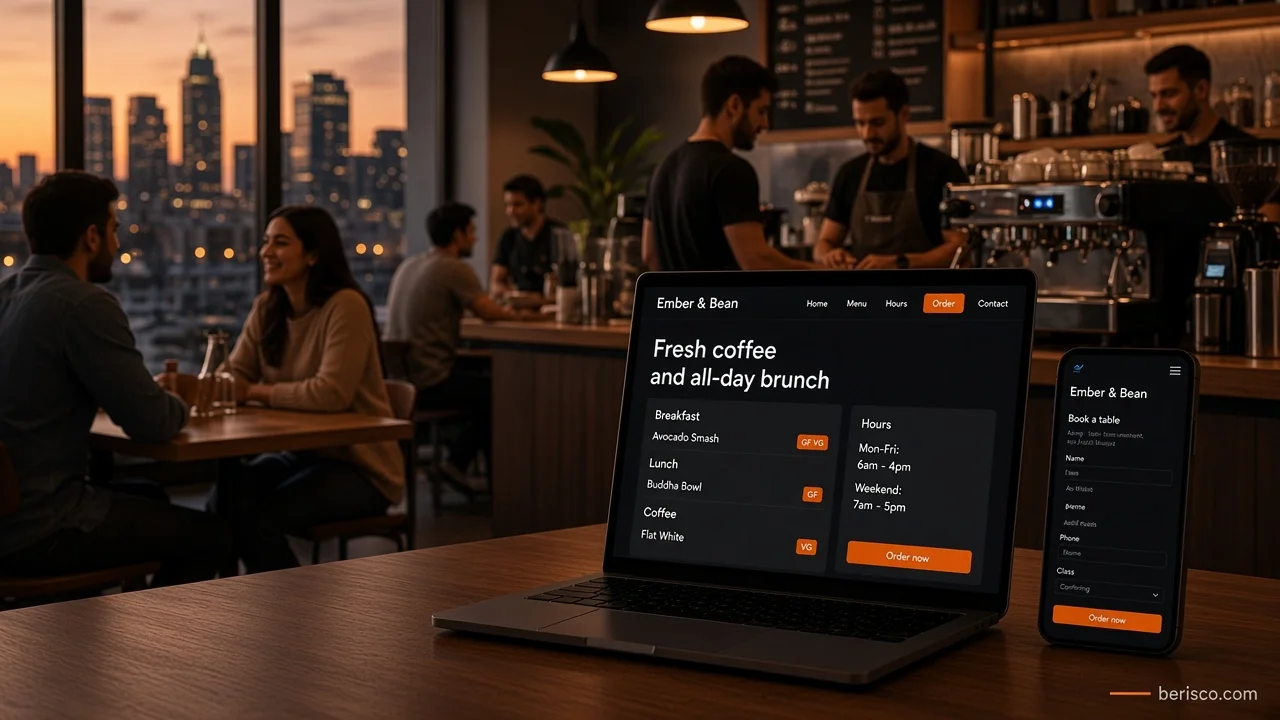
Short answer: A cafe website that brings in customers does four things well: it shows your menu as a real web page (not a PDF), it shows hours that are actually correct, it matches your Google Business Profile, and it gives people one obvious next step, such as Order now, Book a table or Get directions. Everything else is a bonus.
It's 7.40am. Someone's standing on the footpath with their phone, two cafes in view.
They search. One result shows a menu, today's hours and a button to order ahead. The other opens a blurry PDF that takes ten seconds to load, then says "Closed" because nobody updated the public holiday hours.
You already know which one gets the coffee order.
Most people don't visit a cafe website to admire it. They want an answer, fast. Your job is to give it to them before they scroll away.
What people actually want from your cafe website
Think about the questions someone brings with them:
- Are you open right now?
- What's on the menu, and roughly what kind of food is it?
- Do you have vegan, gluten-free or kid-friendly options?
- Can I order ahead or book a table?
- Where exactly are you, and is there parking?
If your site answers those in the first screen or two, it's doing its job. If it makes people hunt, they'll go back to Google and tap the next result.
The cafe website checklist
1. A home page that answers "should I come here?"
In the first screen, show who you are, where you are and what you do, in one short line. Then one main button. Pick the action that matters most for your business:
- Order now if takeaway is a big part of your trade
- Book a table if you're a sit-down brunch or dinner spot
- Get directions if you're mostly walk-in
Use real photos of your food, your space and your team (with their permission). Stock photos of latte art from somewhere else make people trust you less, not more.
2. A menu that works on a phone
This is the big one. A lot of cafe sites still upload the menu as a PDF or a photo of the printed menu. It feels quick, but it costs you:
- PDFs are slow and awkward to read on a small screen
- Search engines read text much more easily than images of text
- Screen readers often can't read an image of a menu at all
- Every price change means redesigning and re-uploading a file
A menu built as a normal web page fixes all of that. Group items by section (breakfast, lunch, drinks), add simple dietary labels, and keep the page easy to update yourself. Keep a printable version as an extra if you like.
For allergen information, follow the guidance from Food Standards Australia New Zealand, and invite customers with allergies to speak to staff.
3. Opening hours you can trust
Wrong hours are one of the fastest ways to lose a regular. Show your hours on every page (the footer is fine), and make it easy for staff to update them for:
- Public holidays
- School holidays or seasonal changes
- Private events or early closes
Then update the same hours on your Google Business Profile at the same time. Two different answers in two places makes people doubt both.
4. Ordering or booking that takes one tap
If you offer ordering or bookings, put the button where thumbs can find it: in the header, on the menu page and on the home page.
You have a few options:
- Your own ordering, through an online ordering system linked to your site
- Delivery apps, which bring reach but take a commission and keep the customer relationship
- A booking widget from your reservation provider, embedded on your own booking page
Each has trade-offs around fees, control and customer data. We compare them properly in Online ordering for cafes: your own website vs delivery apps. The key point here: whatever you use, link to it clearly and test it on your own phone.
5. Location and contact details
Full address, an embedded map, parking or public transport notes, a click-to-call phone number and an email or enquiry form. If your entrance is tricky to find (down a laneway, inside an arcade), say so.
6. A short "about" story
People like knowing who's behind the counter. A few lines about where your beans come from, your cooking style or why you started is enough. Keep it real and keep it short.
Want a cafe website that does this without the hassle? Berisco builds and manages websites for Australian cafes and restaurants, with easy-to-update menus, bookings and ordering. Book a free consultation and we'll take a look at what you have now.
Google Business Profile: your other home page
For many cafes, more people see the Google listing than the website. Treat it as part of the same job:
- Name, address and phone should match your website exactly
- Categories should describe what you really are (for example cafe, coffee shop, brunch restaurant)
- Hours should be current, including special hours for public holidays
- Menu and website links should point to your real menu page and your order or booking page
- Photos should be recent and genuine
Follow Google's guidelines for representing your business. Ask happy customers for honest reviews, but don't offer freebies for them and never write them yourself.
On the website side, adding LocalBusiness structured data helps search engines read your name, address, hours and menu link correctly.
Quick wins you can do this week
You don't need a new website to fix the worst problems. Try these first:
- Open your site on your phone. Can you find the menu in one tap?
- Check your hours on the site and on Google. Do they match?
- Tap every button. Does each one go somewhere real?
- Search your cafe's name. Is the phone number the same everywhere?
- Look for leftover template text, like "Lorem ipsum", a placeholder phone number or a demo booking link
- Run your home page through PageSpeed Insights and note what it flags
That leftover template issue is more common than you'd think. A "Book a table" button that points to a demo address, or a contact number like 5555555555, quietly sends customers nowhere.
What this looks like in practice
Berisco built and manages the website for a Perth-area woodfire restaurant, so here's how these ideas come together on a real hospitality site.
The site runs on WordPress with Elementor, so the team can edit content without a developer. Guests book a table through an embedded reservation widget on a dedicated booking page, and the same booking option appears on the menu page, so nobody has to go looking for it. Gift vouchers can be bought online through the same booking provider. Opening hours, phone, email and an enquiry form sit together on a contact page, and every image on the home page has alt text.
None of that is flashy. It's simply built around what diners need: see the food, check the hours, book.
For example, imagine a small suburban cafe that only has a PDF menu and a phone number. Moving the menu onto a proper web page, adding an Order ahead button and fixing its Google hours would cover most of the checklist above without a big rebuild. (That's an illustration, not a client result.)
Speed, mobile and accessibility
Most cafe searches happen on phones, often on mobile data. Keep it light:
- Compress photos and use modern formats like WebP
- Avoid autoplay videos on the home page
- Use readable text sizes and strong colour contrast, especially on dark designs
- Make sure forms and booking widgets work with a keyboard and screen reader
The Web Content Accessibility Guidelines (WCAG) are the standard reference.
Common mistakes to avoid
- PDF-only menus that are slow and hard to read
- Hours that don't match between the site and Google
- No clear next step, just a contact form at the bottom
- Template placeholders left live, like demo links or fake phone numbers
- Huge image galleries that make the home page crawl
- Old specials still showing months later
How Berisco can help
Berisco designs, builds and manages websites for Australian cafes and restaurants. That includes menus you can update yourself, booking and ordering integrations, Google Business Profile tidy-ups, local SEO basics and fast, secure hosting.
Ready to turn more searches into customers? Contact Berisco for a free consultation, or see our website development services.
Frequently asked questions
What should a cafe website include?
A mobile-friendly menu as a web page, correct opening hours, your address with a map, a click-to-call phone number, and one clear action such as ordering, booking or getting directions.
Is a PDF menu bad for my cafe website?
It isn't ideal. PDFs are slow on phones, harder for search engines and screen readers to read, and a pain to update. A text-based menu page works better, and you can still offer a printable PDF as an extra.
Do I need online ordering on my cafe website?
Not always. If takeaway is a big part of your trade, ordering ahead can help. If you're mostly dine-in, a booking button or clear directions may matter more. Choose based on how your customers actually buy.
How do I keep my hours right on Google and my website?
Update both at the same time whenever hours change, and add special hours on your Google Business Profile for public holidays. A website that lets staff edit hours easily makes this much simpler.
Does my cafe need a website if I have Instagram?
Instagram is great for showing food, but a website is where you control the menu, hours, ordering and booking, and it's what Google links to from your business listing. Most cafes benefit from both.