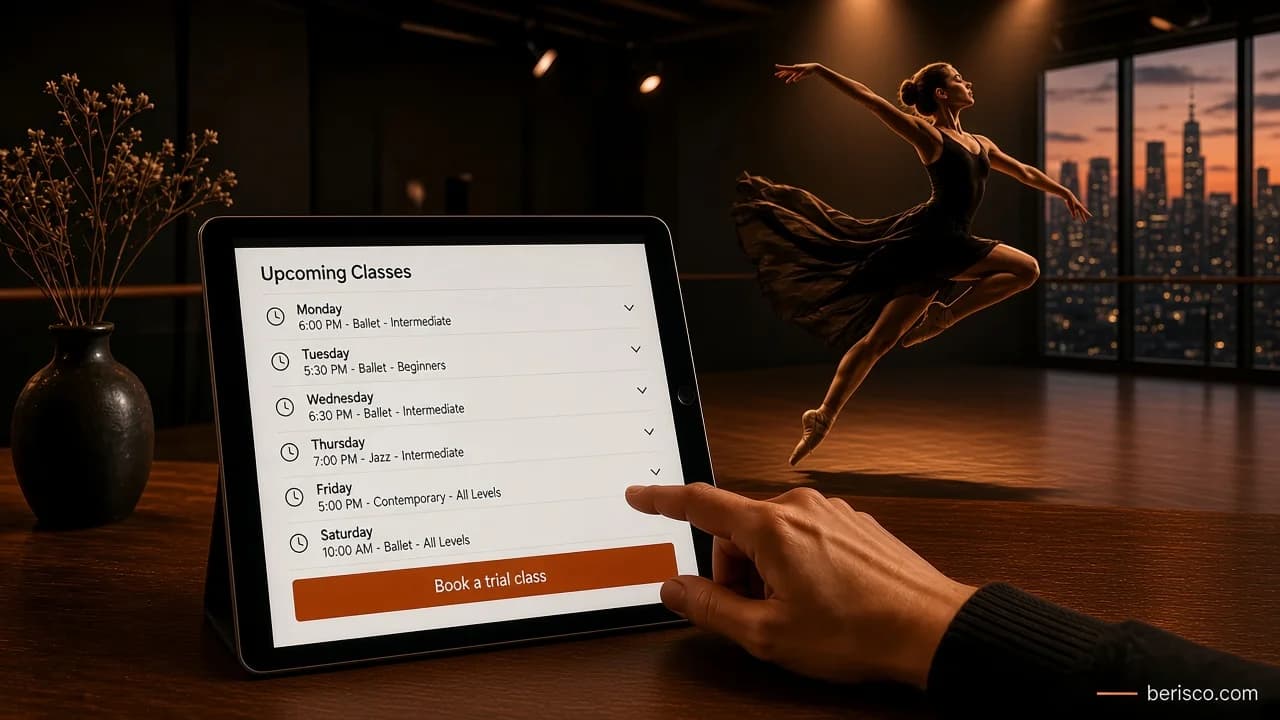
Short answer: A good dance studio website answers three questions fast: what classes suit my child (or me), when are they on, and how do I book a trial. That means a clear timetable, class pages by style and age, a simple trial class booking, online enrolment, current term dates, teacher bios and an easy-to-find location.
Many enquiries come from parents searching on their phone and comparing a few local studios. If your site makes them hunt for the timetable or ring during class time to ask about ages, they may simply move on. Here's what to include, page by page.
What parents and students are looking for
Before thinking about design, think about the questions people actually arrive with:
- Do you teach the style my child wants (ballet, jazz, hip hop, contemporary, tap, acro)?
- Is there a class for their age and level?
- What day and time is it, and is it during the current term?
- Can we try a class before committing?
- Where are you, and is there parking?
- Who are the teachers?
- How do I enrol, and what happens next?
Every page should help answer one of these.
The page-by-page checklist
1. Home page
The home page should say who you are, where you are and what you teach in the first screen, with one clear button: Book a trial class. Add a short line on the ages you teach (for example "classes from age 3 to adults") and links to the timetable and class styles. Use real photos of your studio, students (with permission) and teachers rather than stock images.
2. Timetable
This is usually the most visited page on a studio site, so make it easy to read on a phone:
- Filter by day, style and age. A long table that only works on a desktop screen is hard to use on a phone.
- Show the term it applies to, such as "Term 1 timetable", so nobody books from last year's version.
- Link each class to its class page and to the trial booking.
- Use real text, not an image or PDF. Text can be read on any screen, picked up by search engines and updated in minutes. An uploaded image of a spreadsheet can't.
If you use studio management software, many products offer an embeddable timetable that updates itself. That can work well, as long as it loads quickly and is readable on mobile. We compare the options in Online class booking for dance studios: booking plugin vs studio management software.
3. Class pages by style and age group
Create one page per style, and list the age groups and levels within it. Each page should cover:
- What the class involves, in plain words a parent understands
- Age range and level (beginner, intermediate, advanced, or your own naming)
- Day, time and duration
- What to wear and bring
- Whether there are exams, concerts or competitions linked to it
- A Book a trial button
These pages also help you show up in searches like "ballet classes for kids near me".
4. Trial class booking
A trial class is often the first real step towards an enrolment, so make it simple:
- Keep the form short: student name, age, class of interest, parent contact details and preferred date.
- Show only the classes that have trial spots available.
- Send an automatic confirmation email with the date, time, address, what to wear and arrival instructions.
- Send a reminder the day before, and a follow-up after the trial with a link to enrol.
These emails can be automated.
5. Online enrolment
Paper forms and email back-and-forth slow everything down. An online enrolment form should collect:
- Student and parent or guardian details
- Emergency contact
- Medical information or injuries teachers should know about (only what you need)
- Photo and video consent, as a separate, clear choice
- Agreement to your studio policies, with a link to read them
- Class selection for the term
Because you're collecting personal and sometimes health information about children, treat it carefully. Use a secure (HTTPS) form, limit who can access the data, and have a privacy policy that explains what you collect and why. The Australian Privacy Principles from the OAIC are the official reference; check with an adviser on how they apply to your studio.
6. Term dates and fees information
Publish your term dates for the year, including holiday breaks, concert dates and any make-up class rules. For fees, many studios prefer to explain how fees work (per term, per class, sibling discounts, uniform costs) and send the current schedule on request or at enrolment. Either way, make it clear how and when families pay. If you'd like families to pay term fees online, we cover the options in Dance school term fees and online payments.
7. Teacher bios
Parents want to know who is teaching their child. A short bio for each teacher works well: a photo, the styles they teach, their training or qualifications, and a line about their teaching approach. Only list qualifications and memberships that are current and accurate.
8. Contact and location
Include your full address, an embedded map, parking and public transport notes, the entrance (studios are often upstairs or behind another business), phone, email and office hours. Make sure the name, address and phone number match your Google Business Profile exactly.
Getting found locally
Most families search for a studio close to home, so local search matters as much as the website itself:
- Google Business Profile. Choose accurate categories, add your hours, photos and a booking or website link, and follow Google's guidelines for representing your business.
- Structured data. Adding LocalBusiness structured data helps search engines understand your name, address and opening hours. Concerts and open days can use Event structured data.
- Reviews. Ask happy families for genuine reviews. Don't offer rewards for them or write them yourself.
We go deeper into this in Local SEO for dance studios.
Speed, mobile and accessibility
Most of your visitors are on phones, so test the site on one. Compress photos, keep videos off autoplay, and check your pages with Google's PageSpeed Insights. Build to the Web Content Accessibility Guidelines (WCAG) where you can: readable text sizes, good colour contrast, alt text on images, and forms that work with a keyboard and screen reader.
Common mistakes to avoid
- A PDF-only timetable that's hard to read on a phone and gets out of date.
- No obvious way to book a trial, or a contact form as the only next step.
- Last year's term dates still showing in November.
- Gallery-heavy pages that look nice but load slowly on mobile data.
- Details that don't match your Google Business Profile.
How Berisco can help
Berisco builds and manages websites for dance studios, including timetables, trial class bookings, online enrolment and hosting. We can work with the studio software you already use or build the features into your own site. See our website development services or request a quote to talk through what your studio needs.
Frequently asked questions
What pages does a dance studio website need?
At minimum: a home page, timetable, class pages by style and age, trial class booking, online enrolment, term dates, teacher bios, and contact details with a map.
Should my dance studio timetable be a PDF?
It's better as a web page. A text-based timetable is easier to read on a phone, can be filtered by day or age, shows up in search and is quicker to update. You can still offer a printable version as an extra.
Can parents enrol and pay online?
Yes. Enrolment can be an online form on your website or part of studio management software, and payments can run through a payment provider connected to it. Which approach suits depends on your class numbers and the software you already use.
Do I need studio management software, or is a website enough?
A smaller studio can often manage with a well-built website that handles trial bookings and enrolment forms. Studios with many classes, waitlists and term billing usually benefit from dedicated software linked to, or embedded in, the site.
How do I get my dance studio found on Google?
Set up and complete your Google Business Profile, keep your name, address and phone number consistent everywhere, create separate class pages for each style and age group, and collect genuine reviews from families.
How often should I update my dance studio website?
At least every term: timetable, term dates, events and any class changes. Out-of-date information is one of the quickest ways to lose a parent's trust.