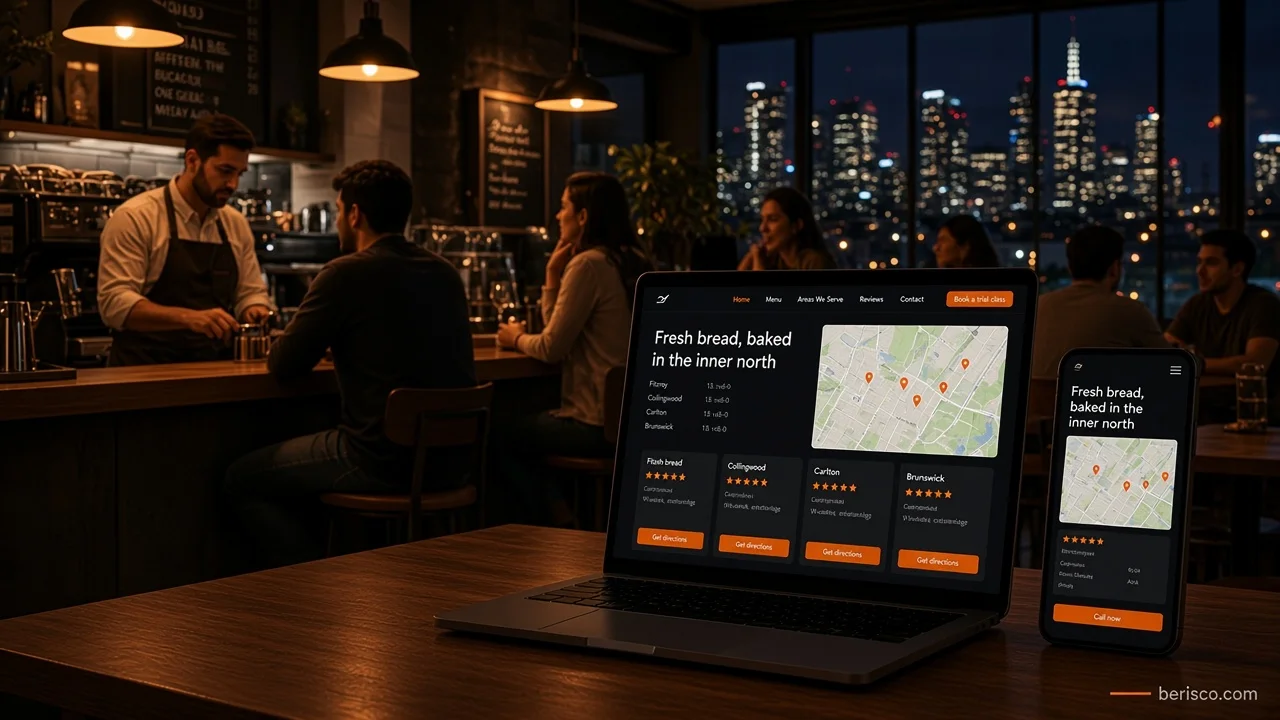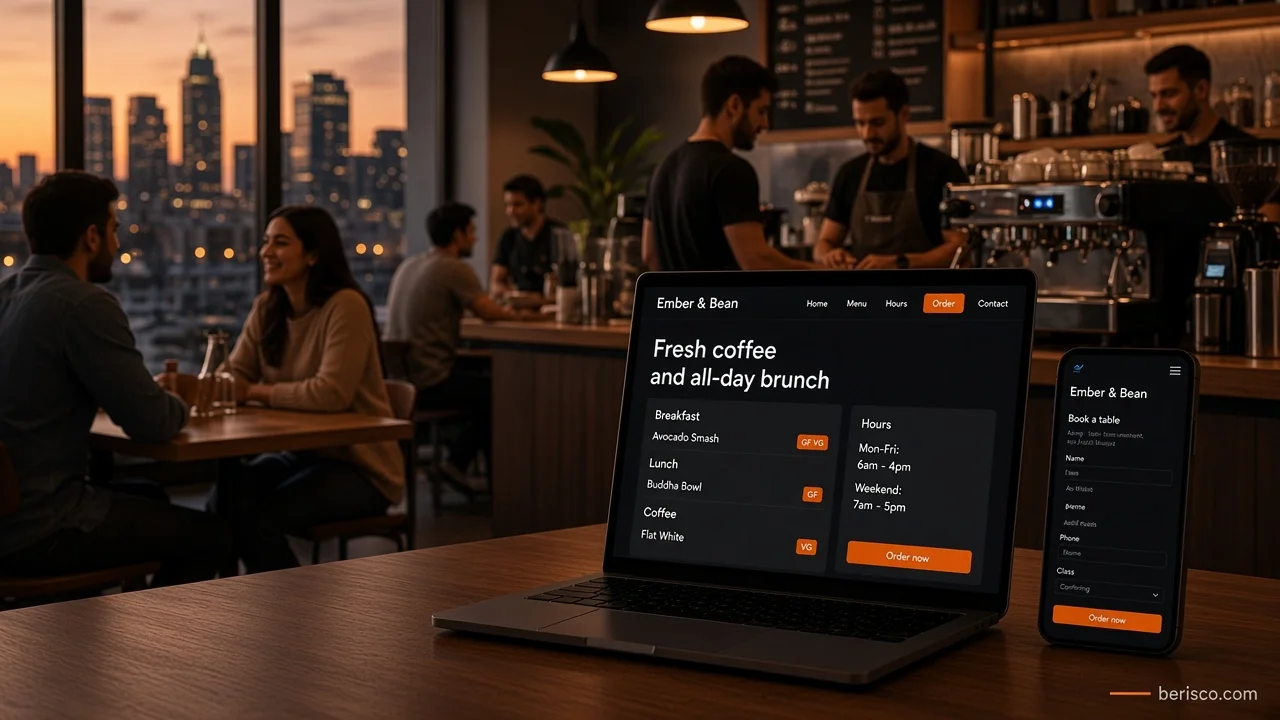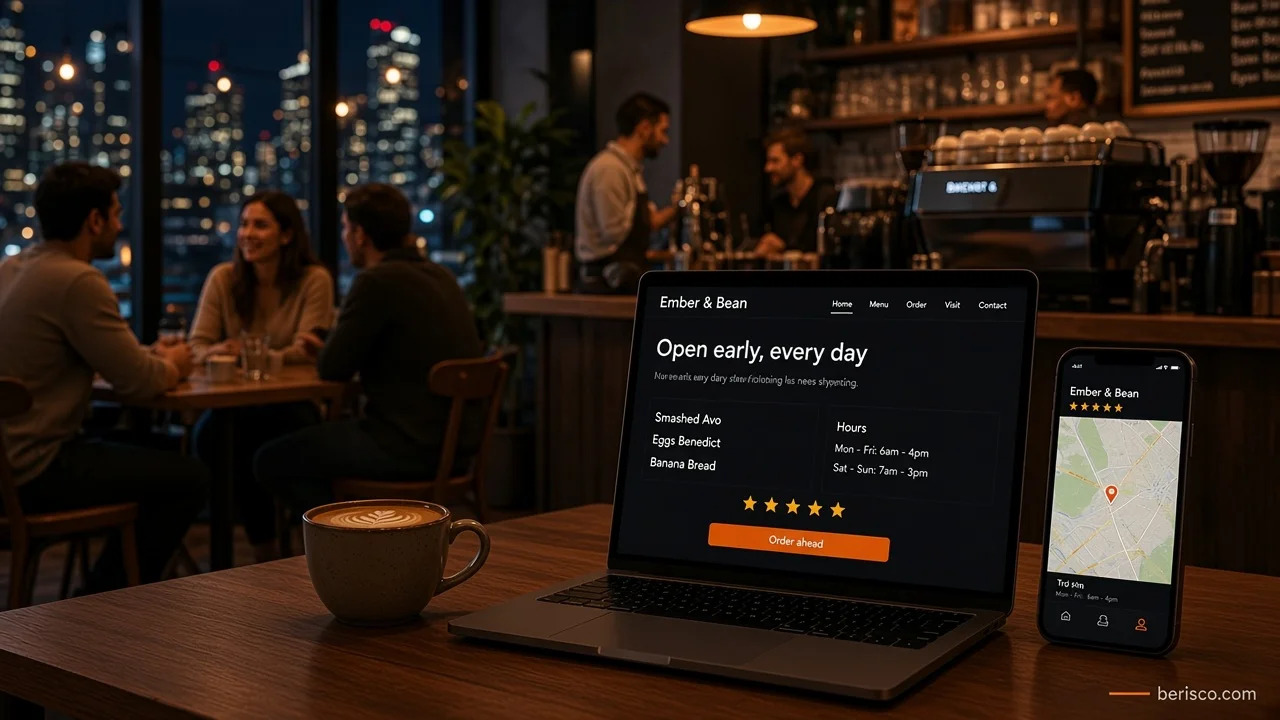
Short answer: A Google Business Profile for cafes works best when it answers a hungry customer's questions in seconds: are you open, what's on the menu, what does it look like and can I order or book? Keep your hours (including public holidays) accurate, add your menu and a direct ordering or booking link, upload real photos, post regular updates and reply to every review. All of these are features Google documents for food and drink businesses.
It's 8:10 on a Sunday. Someone has just finished a run and wants a flat white and eggs.
They type "cafe near me" into Google Maps. Five pins appear.
One shows "Open now", a menu, fresh photos of smashed avo and a reply to last week's review. Another shows "Hours might differ" and a blurry photo of the door from 2021.
You already know which one gets the visit. The question is which one is yours.
Why your Google Business Profile matters more than your Instagram
For a cafe, the Business Profile is often the first impression, before anyone sees your website or your feed. It sits right in Google Search and Maps, exactly where "near me" decisions happen.
Google even publishes a dedicated guide to getting started with a Business Profile for your restaurant, covering hours, ordering, bookings, menus, photos, posts and reviews. Cafes fall into the same food and drink group, so that guide is your roadmap. Below is how to apply it without spending your whole Monday on it.
Step 1: Get the basics bulletproof
Before menus and photos, nail the details that make or break a visit:
- Business name exactly as it appears on your signage. No "Best Coffee Brunch Cafe" stuffed in. Google's rules can suspend profiles for that.
- The most specific primary category. "Cafe" or "Coffee shop", whichever truly fits. Add secondary categories only if they're accurate.
- Phone number and website link that actually work on a mobile.
- Attributes such as outdoor seating, wheelchair access or dog-friendly, where they're true.
Step 2: Set hours that never lie (especially on public holidays)
Nothing burns trust faster than a customer turning up to a locked door.
Google lets you set regular hours, plus more hours for things like takeaway or delivery, and special hours for holidays and one-off events. Its help page on how to set special hours walks through it.
Australian cafes have plenty to plan for: Christmas, Boxing Day, New Year's Day, Australia Day, Easter, Anzac Day and state holidays like Melbourne Cup Day or WA Day. Set them a few weeks ahead, not on the morning.
Want a cafe website and Google profile that tell customers the same story? Berisco builds fast, mobile-first cafe websites for Australian businesses and makes sure your menu, hours and ordering links line up everywhere. Book a free consultation.
Step 3: Add your Google Business Profile menu (and a link to the real one)
Hungry people want to see food before they commit.
Google's menu editor lets food and drink businesses add sections and items with descriptions, straight on the profile. Google notes changes can take 24 to 48 hours to show on Maps and Search, so update it before a menu change, not after. You can also set a menu link, which should point to the menu page on your own website.
A quick tip: make that menu page a proper web page, not a PDF. It's easier to read on a phone and easier to keep current. Our guide to cafe website essentials covers what that page should include.
Step 4: Let people order or book in one tap
If customers can order ahead or book a table, put that link on your profile.
Google's restaurant guide describes Order with Google and options to set a preferred online ordering provider, plus Reserve with Google for bookings through supported providers. Pointing your preferred link to your own ordering page, rather than only to a delivery app, keeps more of the relationship with you. We compare the options in own website ordering vs delivery apps.
Step 5: Photos that make people hungry
Your photos do the selling while you're pulling shots.
Google's tips for business-specific photos are worth a read. For a cafe, aim for:
- Exterior so people recognise you from the street
- Interior showing seating and atmosphere
- Your best-sellers in good natural light
- Your team at work if they're happy to be photographed
- Seasonal specials as they change
Real photos beat stock images. Customers can tell, and they're more likely to trust what they see.
Step 6: Use posts to give people a reason to come today
Most cafes ignore posts. That's your opening.
Google's guide to creating posts on your Business Profile describes three types: Updates, Offers and Events. Updates can include a photo and a button such as "Order online". Google also notes posts older than six months are archived unless a date range is set, so a fresh post every week or two keeps your profile looking alive.
Post ideas for a cafe:
- New seasonal menu or a weekend special
- Holiday trading hours
- A new single-origin coffee on the grinder
- Live music, trivia or a local market you're at
Step 7: Reply to Google reviews, and never fake them
Reviews are what people read right before they choose.
Google's page on managing customer reviews explains how to reply once your profile is verified, and suggests sharing a review link or QR code to ask for reviews. Your reply appears publicly as the business.
What not to do:
- Don't offer a free coffee or discount for a review. Google's Maps content policy treats incentivised reviews as fake engagement.
- Don't post fake reviews or have friends and staff review you. The ACCC's online reviews guidance says fake or misleading reviews can breach Australian Consumer Law.
- Don't only ask the happy regulars while steering unhappy customers away. The ACCC warns against suppressing negative reviews too.
Reply to the tough ones calmly: thank them, own what went wrong and invite them back.
Quick-win checklist: your cafe's Google profile in one afternoon
- Claim and verify your Business Profile
- Match your profile name to your signage
- Choose the most specific primary category
- Set regular hours, takeaway hours and upcoming public holiday hours
- Add or update your menu and set the menu link to your website
- Add your ordering or booking link
- Upload ten fresh, real photos
- Publish one post this week
- Print a review QR code for the counter
- Reply to your last ten reviews
What this looks like in practice
For a Perth-area woodfire restaurant we built for, the website has a dedicated booking page with an embedded table booking system, a menu page, online gift vouchers, and clear opening hours that note when they're closed on public holidays. That's exactly the kind of setup a Business Profile should point to: a real menu page for the menu link, a booking page for reservations, and hours that match.
For example, imagine a suburban cafe whose profile still lists pre-renovation hours and has no menu. Updating its hours, adding the weekend menu, linking its pickup ordering page and posting a photo of the new seasonal dish would turn a half-empty listing into one that answers every question. (That's an illustration, not a client result.)
If you're outside the food world, the same principles apply. See our wider guide to local SEO for Melbourne small businesses.
How Berisco can help
Your Google profile gets people interested. Your website closes the deal.
Berisco builds fast, mobile-friendly websites for Australian cafes and restaurants, with HTML menus, ordering and booking links, clear hours and local SEO built in, so your website and Google profile work as a team.
Ready to be the cafe people pick first? Contact Berisco for a free consultation, or see our Melbourne web services.
Frequently asked questions
Is a Google Business Profile free for cafes?
Yes. Creating and managing a Business Profile on Google is free. You only need to claim and verify your business.
Can I add my menu to Google Business Profile?
Yes. Food and drink businesses can use Google's menu editor to add sections and items, and set a menu link to the menu on their website.
How do I show public holiday hours on Google?
Use the special hours setting in your Business Profile. Set each public holiday ahead of time so Google shows customers your correct hours.
How often should a cafe post on Google Business Profile?
Every week or two is a good habit. Google archives posts older than six months unless a date range is set, so regular posts keep your profile current.
Can I give a free coffee in exchange for a Google review?
No. Google's policy prohibits incentives for reviews, and the ACCC warns that incentivised or fake reviews can breach Australian Consumer Law.
Should I reply to negative reviews?
Yes. A calm, polite reply shows future customers you care. Thank the reviewer, address the issue and invite them to get in touch.