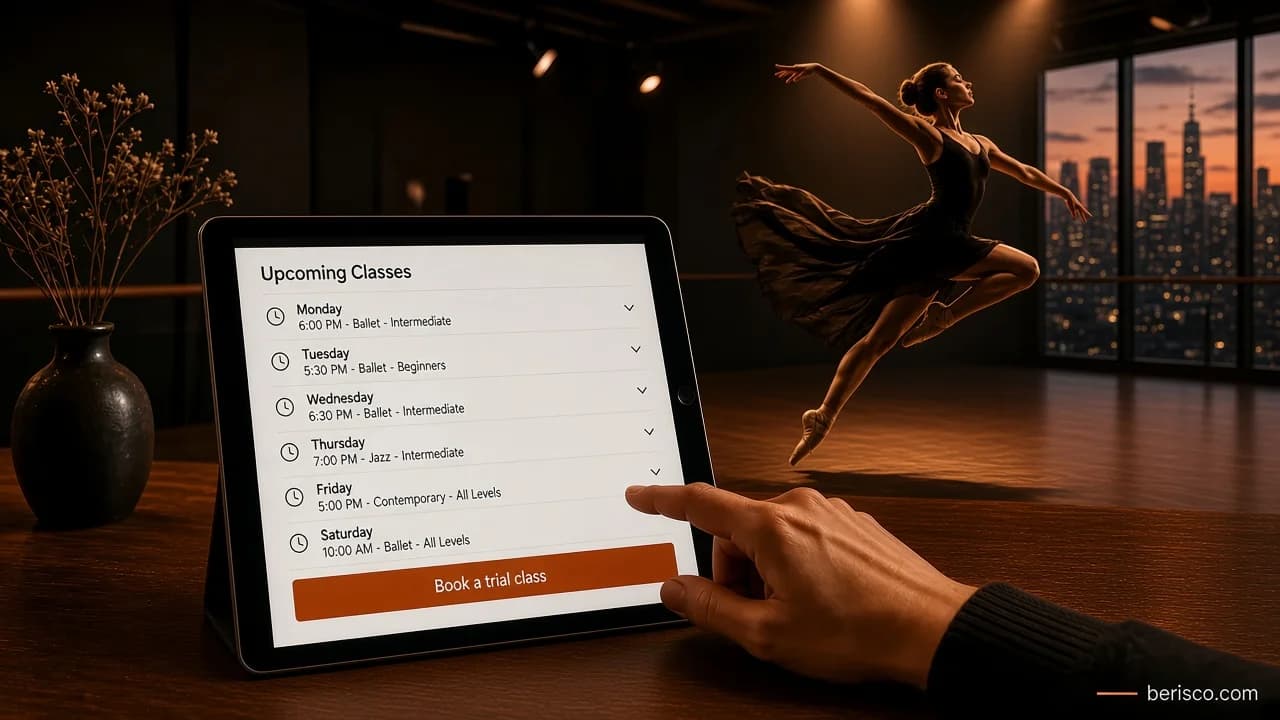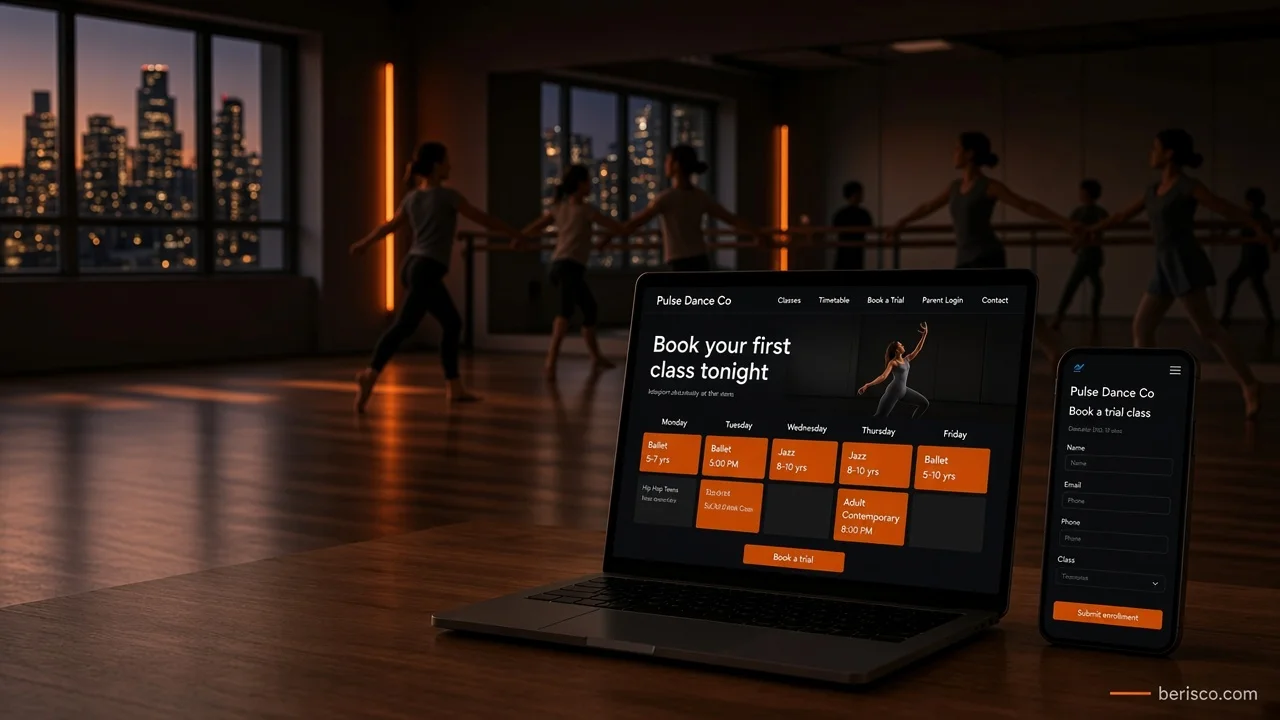
Short answer: If you mainly need parents to book trial classes or casual drop-ins, a booking plugin on your own website is often enough. If you run terms, enrolments, recurring fees, waitlists, attendance and a parent login, dedicated studio management software usually fits better. Either way, the booking should feel like part of your website, not a detour to somewhere else.
It's 9pm. The kids are finally in bed.
A parent opens their phone to sort out the dance class they've been meaning to book for weeks. They find your studio, like the look of it, and tap "Book a trial".
The page says: "Please call the studio during office hours."
They won't. Tomorrow they'll be busy, and the studio down the road has a "Book now" button that works at 9pm.
That's what this decision is really about. Not software. It's whether a keen parent can say yes at the moment they're ready.
The two main options
Option 1: a booking plugin on your website
On a WordPress site, a booking plugin adds a schedule and booking form right inside your pages. Common examples include Amelia, Bookly and WooCommerce Bookings.
Plugins are usually good at:
- Trial classes and one-off bookings
- Casual drop-in classes for adults
- Workshops, holiday programs and private lessons
- Taking payment at the time of booking (through a connected payment gateway)
- Keeping everything on your own domain, in your own branding
Where they can struggle: full term enrolment, sibling discounts, recurring term fees, attendance rolls and a proper parent account. Some plugins handle parts of this with add-ons; check each plugin's own documentation before you commit.
Option 2: studio management software
Dedicated studio software is built around how dance schools actually run. Examples seen across Australian studios include DanceStudio-Pro, Class Manager, iClassPro and WellnessLiving.
This kind of software typically covers:
- Term-based enrolments and class capacity
- Family accounts with several students
- Recurring billing and invoices
- Waitlists and class transfers
- Attendance, rolls and teacher views
- A parent portal for updates, payments and details
The trade-off: it lives on the vendor's platform. Your website links out to it, or embeds part of it, and the look and feel is partly theirs, not yours.
Features and plans change often, so check each vendor's current pricing and feature pages directly. We're not ranking them here; the right one depends on how your studio runs.
Not sure which setup suits your studio? Berisco builds and manages websites for Australian studios and small businesses, and we can connect your site to the booking system you choose. Book a free consultation and we'll talk it through in plain English.
Side-by-side: plugin vs studio software
| What you need | Booking plugin | Studio management software |
|---|---|---|
| Trial class bookings | Strong | Usually supported |
| Casual and adult drop-ins | Strong | Usually supported |
| Full term enrolment | Limited, add-ons vary | Built for it |
| Family accounts and siblings | Limited | Built for it |
| Recurring term fees | Varies by plugin | Built for it |
| Attendance and rolls | Rarely | Built for it |
| Parent login | Basic, if any | Usually a full portal |
| Matches your website design | Fully | Partly (link or embed) |
| Ongoing subscription | Often a licence fee | Usually a monthly fee |
Treat this as a starting point. Always check the current feature list on each vendor's site.
Linked vs embedded: the detail most studios miss
If you choose studio software, there's a second decision: how it connects to your website.
Linked: a "Parent login" or "Enrol now" button sends people to the vendor's site. Simple and reliable, but parents can feel they've left your studio.
Embedded: the schedule or enrolment form appears inside a page on your website. It feels more seamless, but some embeds can look out of place, load slowly or behave awkwardly on mobile.
A good middle path: keep your timetable, class pages and trial class information on your own site (great for Google), then send people to the software only for the final step, like enrolling or logging in.
Quick-win checklist: is your booking costing you students?
Grab your phone and check your own site:
- Can you find "Book a trial" within one tap of the home page?
- Can someone book outside office hours without calling?
- Is the timetable on your site, not just in a PDF?
- Does each class show age, level, day and time clearly?
- When the booking opens, does it look like your studio?
- Is the parent login easy to find, for example in the header?
- Does the booking page work properly on mobile data?
- Does your Google Business Profile link straight to booking?
Two or three "no" answers? That's probably where enquiries are slipping away.
What this looks like in practice
Berisco manages the WordPress website for a Melbourne dance school. The site has its own class pages for kinder, kids and adult classes, plus term dates, concert details and studio hire information.
For enrolments and class management, the studio uses dedicated studio management software. Rather than rebuilding that inside WordPress, the website links to it with a clear Parents Portal login in the header. The website does the job of explaining classes and building trust; the software handles the admin.
That split works well for an established studio with term enrolments and returning families.
Now a clearly labelled example: imagine a small adult-only studio in Brisbane that mostly sells casual drop-in classes and the odd workshop. For them, full studio software may be more than they need. A booking plugin with online payment, right on their own site, could cover it neatly. (That's an illustration, not a client result.)
How to decide
Ask yourself three questions:
- Do most students enrol for a whole term? If yes, lean towards studio software.
- Is your main goal more trial bookings? A plugin, or a well-placed trial form, may be enough.
- Who will manage it day to day? The best system is the one your front desk will actually keep up to date.
Also think about personal information. Booking systems store details about families and often children. Check where each vendor stores data and read the Australian Privacy Principles guidance from the OAIC. This isn't legal advice; ask a privacy adviser if you're unsure how it applies to you.
Common mistakes to avoid
- Hiding the trial class behind a generic contact form
- A timetable only in PDF, which is hard to read on phones and invisible to search
- Sending parents to a login page with no explanation of what it's for
- Paying for software features you never use, or the reverse: stretching a plugin to do term billing it wasn't built for
- Forgetting mobile: most parents will book from their phone
If you're still planning the rest of your site, our dance studio website checklist covers every page a studio needs.
How Berisco can help
Berisco designs, builds and manages websites for Australian studios and small businesses. We can set up a booking plugin on your site, or connect your website cleanly to the studio software you already use, so parents can go from "this looks good" to "booked" in a few taps.
Ready to make booking easier for your families? Contact Berisco for a free consultation, or see our website development services.
Frequently asked questions
What's the best booking system for a dance studio?
There isn't one best system. Studios with term enrolments, families and recurring fees usually suit dedicated studio management software. Studios focused on trials, workshops or casual classes can often use a booking plugin on their own website.
Can a WordPress booking plugin handle term enrolments?
Some can, partly, with add-ons, but most are built for single bookings and appointments. If term enrolment, sibling accounts and recurring fees are central to your studio, check whether studio software suits you better.
Should I embed studio software on my website or link to it?
Linking is simpler and more reliable. Embedding feels more seamless but can look or behave awkwardly on mobile. Many studios keep class information on their own site and link to the software for enrolling and logging in.
Can parents pay online when they book?
Yes, most booking plugins and studio software connect to online payment gateways. Check which gateways each option supports in Australia and what the gateway charges on its own fee page.
Will a booking system help my studio show up on Google?
The booking system itself rarely helps much. What helps is having your classes, timetable and trial information as real pages on your own website, and linking your Google Business Profile to booking.
Can Berisco connect my existing studio software to a new website?
Yes. We can build or update your website and link or embed your existing studio software so it feels like one smooth experience for parents.