Last updated: 13 November 2026
Short answer: PayID and BPAY are bank transfers, not card gateways, so WHMCS never sees the payment land. Automation means pulling transactions from your bank (CSV, feed or API), matching each one to an open invoice by reference and amount, then marking it paid with AddInvoicePayment. Anything that does not match cleanly goes to a review queue, not straight onto the invoice.
It's Tuesday morning. Three "when will my service be unsuspended?" tickets sit in your hosting inbox.
You check the bank. The money is there — three PayID transfers, invoice numbers in the descriptions, amounts that match.
You open WHMCS. All three invoices still say Unpaid.
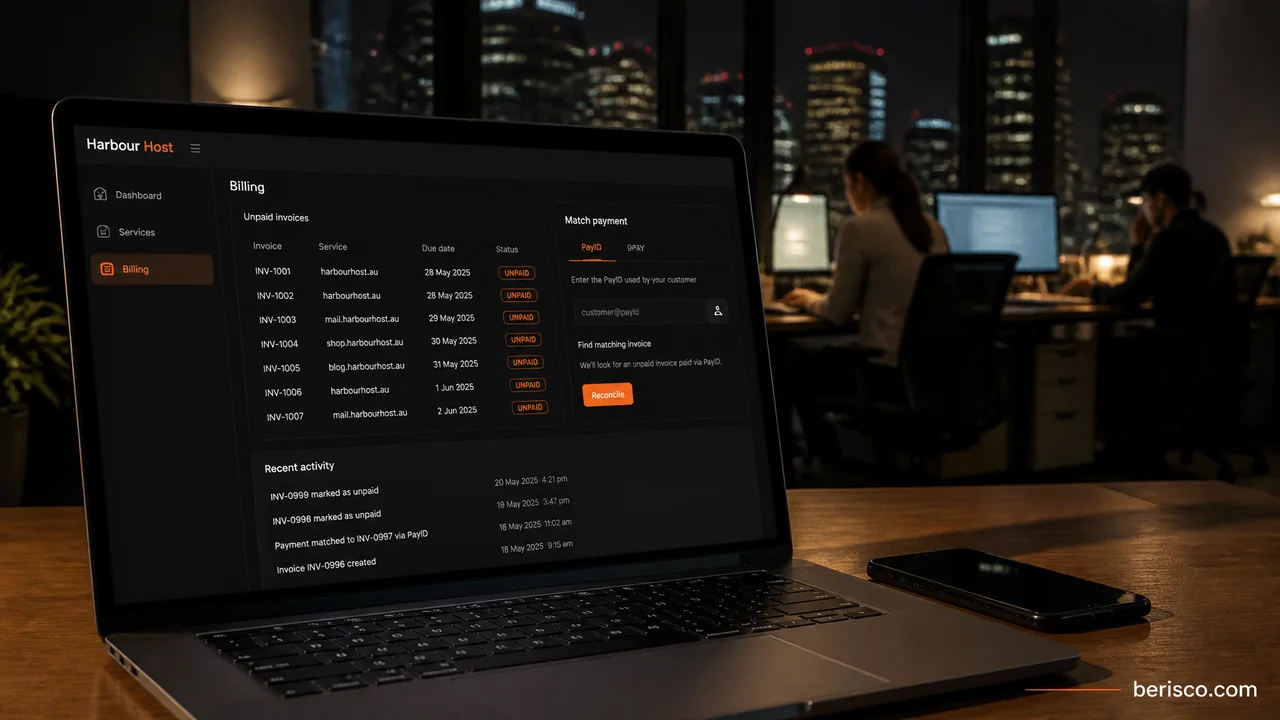
That gap — money in the bank, status still Unpaid — is the problem this guide solves. Not "how do I accept PayID?" You already can. The question is how you stop matching bank lines by hand every morning while services hang and cash sits unused.
Why PayID and BPAY aren't gateways in WHMCS
Card gateways sit inside WHMCS: the customer pays on the invoice page, the provider returns a result, and WHMCS records it. PayID and BPAY work outside that loop. The customer pays in their banking app. Your bank credits your account. WHMCS knows nothing until someone (or something) tells it.
That is why the useful work is reconciliation, not installing another gateway module. For the broader Australian gateway picture, see our Australian payment gateways for WHMCS guide. This post stays on the matching pipeline only. If you also offer buy now, pay later on one-off invoices, see Afterpay and Zip in WHMCS.
What PayID and BPAY are (briefly)
PayID is an easy-to-remember identifier — such as an email, mobile number or organisation identifier — linked to a bank account. Australian Payments Plus PayID FAQs note that payments typically move fast through Osko, often in under a minute, and the payer sees the registered name before they send. Unique email-style PayIDs per payment can make matching easier where your bank offers them — check with your bank.
BPAY is Australia's bill-payment rail. You register as a biller, then show a Biller Code and Customer Reference Number (CRN) on each invoice. Funds and digital payment information typically arrive on the next banking business day, which makes CRN-based reconciliation practical. CRNs can identify an account or a single bill, and check digits reduce mistypes — see the BPAY support pages and check with your bank.
Some banks sell branded PayID biller products. Treat those as bank-specific offerings, not universal features.
The reconciliation pipeline
1. Put a matchable reference on every invoice
- PayID: ask customers to put the WHMCS invoice number in the payment description. Keep the wording identical on every notice.
- BPAY: print your Biller Code and a CRN that maps to the invoice. Agree the CRN scheme with your bank so check digits and length are valid.
Without a clear reference, automation fails.
2. Pull bank data
You need credits with date, amount, reference or description, and a bank transaction identifier. Common sources are a daily CSV export, a bank feed via accounting software, or a bank API where one exists. What you can pull and how often is bank-dependent — confirm formats and cut-offs with your bank before you design the matcher.
3. Match by reference and amount
For each credit: normalise the reference; find open invoices whose invoice number or CRN matches; confirm the amount equals the balance (or a defined partial rule); skip Cancelled invoices; and if anything is ambiguous, queue it. Matching on amount alone is dangerous. Matching on reference alone invites wrong allocations.
4. Mark paid with AddInvoicePayment
Call AddInvoicePayment. Required fields: invoiceid, transid (unique), gateway, and date as YYYY-MM-DD HH:mm:ss. amount is optional. Authenticate per the WHMCS API authentication docs with identifier/secret credentials on an admin that has API Access.
Unique transid matters. Use the bank's transaction ID (or a stable hash of date + amount + reference + bank id) so a re-imported file cannot double-apply the same payment.
AddInvoicePayment(
  invoiceid = matched WHMCS invoice,
  transid   = bank transaction id (unique),
  gateway   = your bank-transfer gateway name,
  date      = payment datetime from the bank,
  amount    = matched amount (optional)
)
5. Review queue for exceptions
Send unclear rows to a human: no matching invoice, amount mismatch, already Paid or Cancelled, duplicate bank id, or partials without a rule. A short daily exceptions list beats chasing every transfer.
Reference design
PayID: one house rule — bare invoice number as the description. If your bank offers unique email-style PayIDs per receivable, that can encode the invoice in the PayID itself; availability is a bank question.
BPAY: Biller Code identifies you; CRN identifies the bill. A variable CRN per invoice (plus a bank-approved check digit) usually reconciles cleanest. Confirm the algorithm with your bank before generating CRNs in WHMCS. Do not invent bank product claims — each institution packages tools differently.
Quick-win checklist
- Fix PayID description wording on every unpaid-invoice notice
- Confirm BPAY Biller Code and CRN scheme with your bank
- Pick a bank data source and daily pull schedule
- Create a dedicated WHMCS gateway name for bank transfers
- Generate API credentials with minimum needed permissions
- Define match rules: exact amount, open status, unique
transid - Build an exceptions queue
- Test in staging: clean match, wrong amount, missing reference, duplicate import
- Document who reviews the queue each morning
Still matching bank transfers by hand? Berisco builds WHMCS automation for Australian hosting providers — invoice instructions, bank-feed matching and API payment posting with a review queue. Book a free consultation and we'll map what your bank can export to a safe reconciliation flow.
What this looks like in practice
For example, imagine a small Australian hosting provider with a few hundred monthly WHMCS invoices. Many customers prefer PayID or BPAY. Every weekday someone opens the bank CSV, searches WHMCS, and clicks Add Payment. Renewals slip when that person is away. Suspensions fire on accounts that already paid.
They fix invoice instructions, schedule a job that matches yesterday's credits on reference + amount, and call AddInvoicePayment with the bank transaction id as transid. Odd rows land in a review queue. Within a week the morning chase is a short exceptions list. (This is a labelled illustration, not a real client result.)
Common mistakes
- Expecting WHMCS to detect bank transfers like a card module
- Vague instructions so customers invent their own references
- Matching on amount only when two invoices share a price
- Reusing transaction IDs so a re-import double-pays
- Auto-applying partials without rules
- Skipping the review queue
- Hard-coding one bank's export format as if all banks match
How Berisco can help
Berisco customises WHMCS for Australian hosting and subscription businesses: PayID and BPAY instructions, bank-feed matching, AddInvoicePayment automation, and exception queues your team can trust.
Want bank transfers to update WHMCS the same day the money lands? See WHMCS for Australian hosting providers, WHMCS development, or request a quote.
Frequently asked questions
Can WHMCS take PayID or BPAY automatically out of the box?
No. They are bank transfers outside the WHMCS checkout loop. WHMCS learns about the payment when you (or automation) record it, usually via AddInvoicePayment after matching bank data.
What is the safest way to match bank transfers to WHMCS invoices?
Match on a clear reference (invoice number for PayID, CRN for BPAY) and the expected amount, then post with a unique bank transaction id. Send unclear rows to manual review.
Which AddInvoicePayment fields are required?
invoiceid, transid, gateway and date (YYYY-MM-DD HH:mm:ss) are required. amount is optional. Use a unique transid so the same credit cannot be applied twice.
Does every Australian bank offer the same PayID or BPAY tools?
No. Products, file formats and APIs vary. Check with your bank for PayID options, BPAY biller setup, CRN rules and how you can export or pull transactions.
Should PayID and BPAY replace card gateways for hosting renewals?
Usually not. Cards and direct debit still suit automatic renewals. Automate PayID/BPAY reconciliation so preferred bank payments do not create unpaid backlog. Keep a tokenised gateway for recurring charges — see the Australian payment gateways for WHMCS guide.
How do Afterpay or Zip fit next to PayID and BPAY?
Different products. BNPL needs a custom module and does not support automatic recurring charges. PayID/BPAY need bank reconciliation. See Afterpay and Zip in WHMCS.