Last updated: 13 November 2026
Short answer: A WHMCS IPTV module is a provisioning module that turns billing events into panel actions. After payment, WHMCS calls CreateAccount on your panel (for example XUI One or Xtream UI), then your welcome email can send credentials. Overdue invoices drive SuspendAccount; payment restores the line; renewals extend expiry. Berisco only builds this for operators who hold rights to the content they distribute.
It's Friday afternoon. Three new paid orders sit in WHMCS as Active — or worse, as Pending.
Nobody has created the lines on the panel yet.
Support tickets start: "I paid. Where are my login details?" Someone opens the panel admin, copies a username, pastes it into an email, and hopes the package and bouquet match what the customer bought.
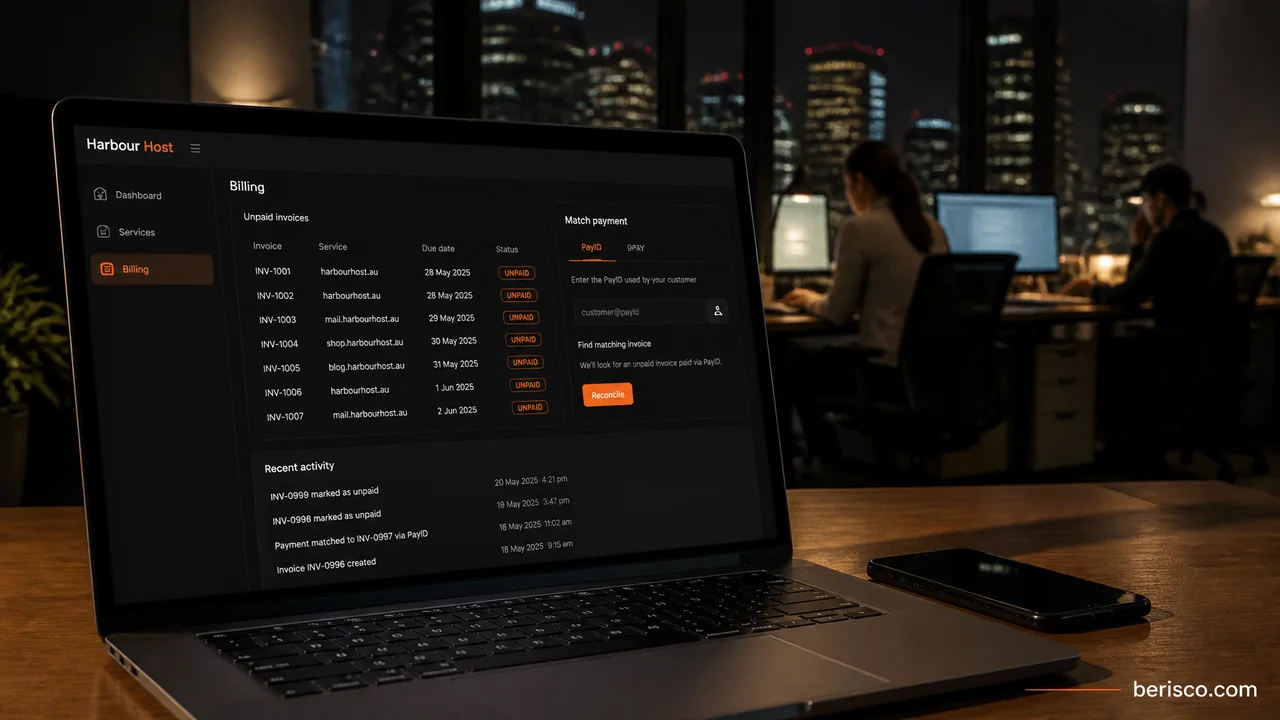
That gap — money received, service not live — is what order-to-activation automation closes. Not "how do I accept card payments?" You already can. The question is how a paid order becomes a working line, a welcome email, and a renewals path that does not depend on who is in the office.
Important: this guide is for licensed IPTV and OTT operators only — hospitality TV integrators, community and multicultural broadcasters, and authorised resellers of licensed services. Berisco does not work with unlicensed IPTV sellers. Australia's copyright framework includes civil remedies and a Federal Court site-blocking scheme under section 115A of the Copyright Act; IP Australia summarises how owners enforce rights. We ask for evidence of licence or authorised-reseller status before any project starts.
What "WHMCS IPTV module" actually means
WHMCS does not ship an IPTV product. It bills and provisions "just about any service" through a server/provisioning module under modules/servers/. The module maps WHMCS product events to your panel's API (or equivalent access method).
On a clean install you still need:
- A panel your customers actually use (package, bouquets, connection limits, expiry).
- A WHMCS module built for that panel — a module for XUI One does not drive Xtream UI.
- Products in WHMCS whose Module Settings point at the right panel package.
- Automation Settings so overdue and paid events fire without a human click.
- Email templates that send credentials after provisioning succeeds.
Miss one and you are back to copying lines by hand.
The order-to-activation flow
1. Order and payment
The customer picks a plan on your order form (or client area upgrade). WHMCS creates the order and invoice. Payment lands through your gateway — card, tokenised renewals, or another method you already support. Until the invoice is Paid (or the order is accepted under your free-trial rules), provisioning should not run.
2. Provisioning via the panel API
When WHMCS is ready to provision, it calls the module's CreateAccount function. Per the supported functions docs, that runs on checkout/payment for a new order, or when an admin triggers Module Commands.
A solid CreateAccount path should authenticate with credentials scoped to WHMCS (not a shared personal admin login), create the line with the package, bouquets and connection limit from Module Settings, store username/password or device identifiers on the service, and fail into the Module Log if the panel rejects the request. Run Test Connection on the server entry before you sell anything live.
3. Welcome email with credentials
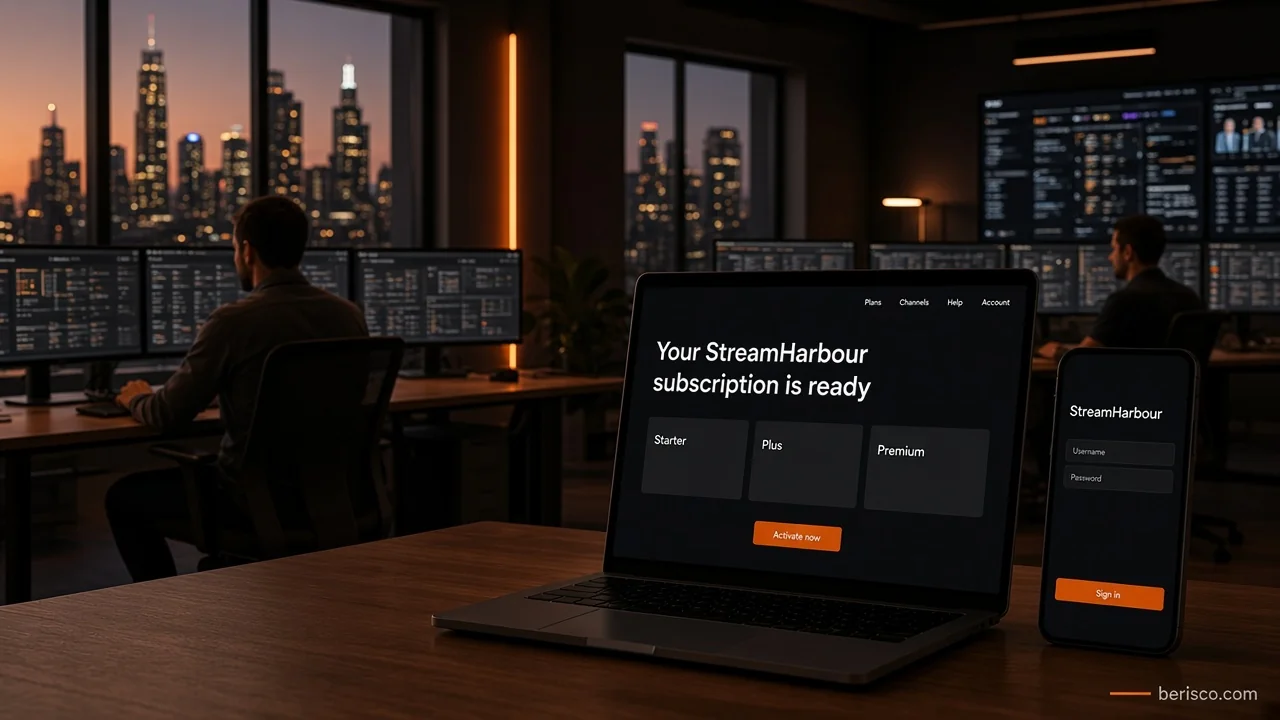
Once CreateAccount succeeds, WHMCS can send your product welcome email with credentials and setup steps — server URL, username, password, M3U link if you offer one, and a short sign-in block. Customers should not wait for a human to paste anything. If CreateAccount fails, do not pretend the service is live: fix the Module Log error, then retry Module Commands.
4. Renewals, suspension and termination
Paid renewal invoices should call Renew so panel expiry stays aligned with the WHMCS Next Due Date. Overdue invoices should call SuspendAccount; payment should call UnsuspendAccount. Long-overdue services can call TerminateAccount when enabled.
Those behaviours only run on schedule if Automation Settings are correct: Enable Suspension with Suspend Days, Enable Unsuspension, and optionally Enable Termination with Termination Days. The system cron must run reliably (self-hosted installs need it at least every five minutes). Services you suspend by hand with a custom reason are not auto-unsuspended on payment. Paid upgrades should hit ChangePackage so the panel matches what the customer now pays for.
Quick-win checklist
- Confirm you hold rights (or authorised-reseller status) for every package you sell
- Pick one panel and one WHMCS module built for that panel — do not mix
- Add the panel under System Settings → Servers; run Test Connection
- Map each WHMCS product to the correct panel package, bouquets and connection limit
- Turn on Module Logging and run Create / Suspend / Unsuspend / Renew / Terminate once in staging
- Enable Automation Settings for suspension and unsuspension; set Suspend Days deliberately
- Rewrite the welcome email so credentials and setup steps go out automatically
- Restrict panel API credentials to the WHMCS server (IP allow-list where the panel supports it)
- Document who watches failed Module Log rows each morning
Still creating IPTV lines by hand after every paid order? Berisco builds WHMCS IPTV billing automation for licensed Australian operators — panel provisioning, welcome emails, renewals and suspension sync. Book a free consultation and we'll map your panel to a safe order-to-activation flow.
What this looks like in practice
For example, imagine a licensed hospitality IPTV integrator selling room and venue packages through WHMCS. Sales close in the evening; someone used to open the panel, create each line, and email logins the next morning while paid invoices sat idle.
They install a panel-specific module, map each product to a package, enable CreateAccount on payment, and put credentials in the welcome template. Overdue venue accounts suspend on the cron; payment restores them. The morning job shrinks to a Module Log exceptions list. (This is a labelled illustration, not a real client result.)
Common mistakes
- Buying a module for the wrong panel and expecting it to "just work"
- Leaving products on Manual provisioning so paid orders never call CreateAccount
- Sending the welcome email before provisioning succeeds
- Skipping Automation Settings, then wondering why overdue lines stay active
- Sharing one panel admin login across staff and the WHMCS server
- Auto-terminating too early without a clear commercial policy
- Writing marketing copy that hints at unlicensed content or "avoiding blocks" — that puts payment accounts and the business at risk
- Ignoring Module Log failures until customers complain
How Berisco can help
Berisco customises WHMCS for licensed IPTV and OTT operators: panel provisioning, product mapping, welcome emails, and renewals/suspension automation. We only take on operators who can show rights to the content they distribute.
Want paid orders to activate the same day the money lands? See WHMCS IPTV billing automation, WHMCS development, or request a quote.
Frequently asked questions
Does WHMCS include a built-in IPTV module?
No. WHMCS provisions IPTV through a third-party or custom server module that talks to your panel. You still use WHMCS for orders, invoices, the client area and automation.
Which panels can connect to WHMCS?
Common licensed-operator setups use panels such as XUI One or Xtream UI, each with its own module and connection method (API key, admin API, or another panel-specific path). Match the module to the panel you actually run — do not assume one module covers every fork.
What happens after a customer pays?
On a correctly configured product, WHMCS calls CreateAccount, the panel creates the line, credentials are stored on the service, and your welcome email can send. If CreateAccount fails, fix the error from the Module Log and retry — do not email fake credentials.
How do renewals and overdue invoices affect the panel?
Paid renewals should call Renew so expiry extends. Overdue services can SuspendAccount after Suspend Days; payment can UnsuspendAccount. Termination is optional and controlled in Automation Settings. Confirm your cron is healthy via Automation Status.
Will Berisco work with any IPTV reseller?
No. We only work with operators who hold rights or authorised-reseller status for the content they distribute. We do not build or support unlicensed IPTV services.
Is this the same as recurring subscription dunning?
Related, but different. This post covers order → provision → renew/suspend. Failed-card retries, trial conversion and dunning copy belong in a separate billing-ops conversation once activation is solid.