Short answer: Before the break, set your Google Business Profile Christmas hours as Special hours for every day that changes, including public holidays you stay open. If you will be closed for 7 or more days in a row, Google says to mark the profile Temporarily closed instead, then reopen it when you are back. Then make your website match: a clear holiday banner, an hours table, and booking or ordering cut-offs that stop customers paying for something you can't deliver.
Last updated: 27 November 2026
Every January, someone drives across town to a locked door. They checked Google, it said "Open", and they believed it. Or an online order lands on 27 December while the whole team is at the beach, and the first anyone hears of it is an angry email.
Both are avoidable, and the fix takes about an hour. Do it now, while you're still planning the break.
Which days are public holidays over Christmas 2026–27?
Christmas Day is Friday 25 December 2026. Boxing Day is Saturday 26 December. New Year's Day is Friday 1 January 2027.
Because Boxing Day falls on a Saturday this year, most states and territories add an extra public holiday on Monday 28 December. The details are not the same everywhere:
- In most states and territories, Saturday 26 December is Boxing Day and Monday 28 December is an additional public holiday.
- South Australia observes a Proclamation Day holiday on Saturday 26 December, with an additional public holiday on Monday 28 December.
- Tasmania moves Boxing Day to Monday 28 December, so Saturday 26 December is not a public holiday there.
- Some places also have part-day public holidays on the evenings of Christmas Eve or New Year's Eve.
Each state and territory sets its own list. Check the Fair Work Ombudsman's 2026 public holidays page for your state, and your state government site for regional holidays. Fair Work also covers pay for staff who work those days.
Then write down your real hours for each day from about 21 December to 5 January. That one list feeds everything below.
How to set Google Business Profile Christmas hours
Google's own guidance is simple. Use Special hours when your hours change for a short time, or when you are closed for up to 6 days in a row. Special hours sit on top of your normal hours, so you don't have to edit your regular week and remember to change it back.
The steps, from Google's help page:
- Go to your Business Profile and select Edit profile, then Hours.
- Next to Special hours, select Edit.
- Pick a date. Google may suggest holiday dates you can review, or you can select Add a date.
- If you're closed, leave Closed ticked. If you're open, untick it and enter your hours. You can add more than one set of hours on the same day.
- Select Save.
Three details people miss:
- Confirm holidays even if your hours don't change. Google recommends this, because it tells customers your hours are accurate rather than forgotten.
- Your profile must be set to "Open with main hours" for special hours to show.
- Add the substitute day. Monday 28 December is easy to overlook. If you're closed, say so.
Closed for a week or more? Use "Temporarily closed"
Many businesses close from Christmas Eve until early January. Google says that if you're closed for 7 or more days in a row, you should mark the business as Temporarily closed instead of stacking up special hours.
Two warnings. Google notes that temporarily closed businesses can rank after open businesses for broad searches. And the label does not lift itself. When you return, go back to Edit profile, then Hours, and choose Open with main hours, then check your days and times. Put a reminder in your calendar for the morning you reopen.
Never choose "Permanently closed" for a holiday break.
Update your website's Christmas trading hours
Google is only half the picture. If your website disagrees with your profile, customers won't know which to trust.
Add a holiday banner people can't miss
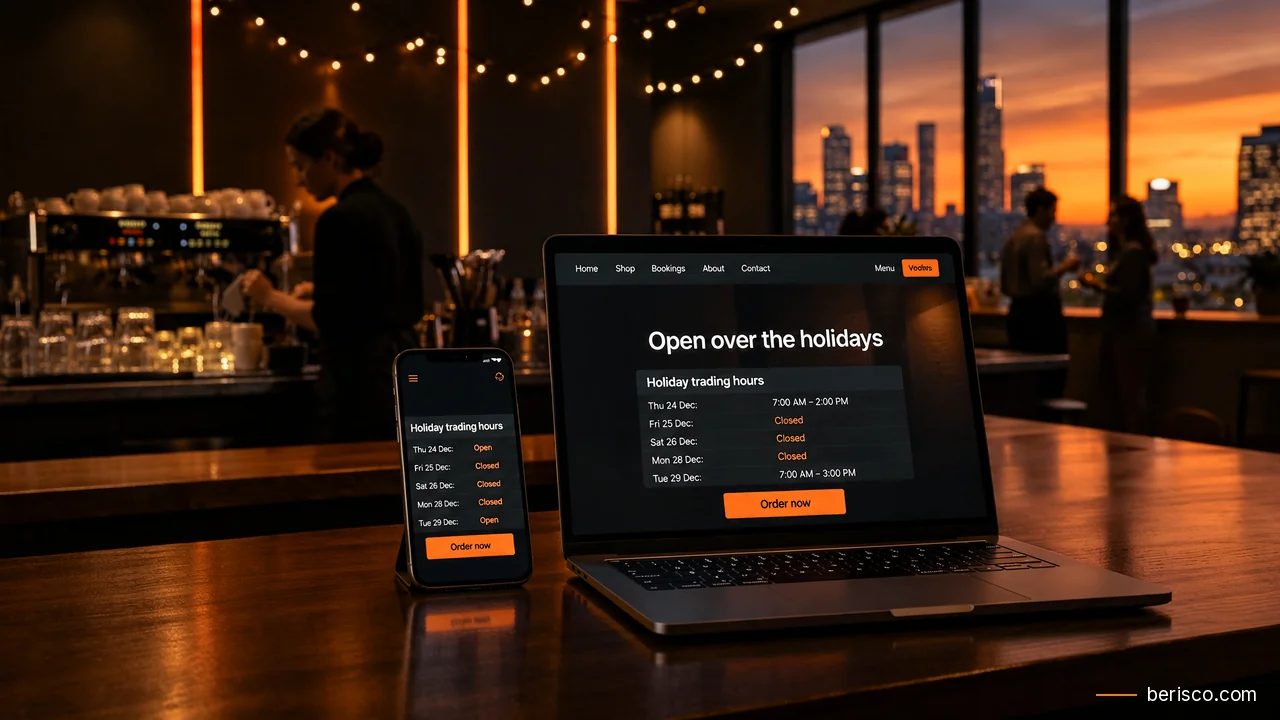
Put a short notice at the top of every page: "Holiday trading hours: closed 25–28 December. Back Tuesday 29 December." Link it to the full hours. Keep it to one line on mobile.
Show a simple hours table
On your contact or hours page, list each changed date, its hours or "Closed", and when normal hours resume. Update the footer and any location pages too.
Set booking and ordering cut-offs
This is where the real damage happens. Check:
- Online bookings: block closed dates in your booking calendar, plus any days you need for prep or catch-up.
- Online orders: pause ordering or switch to "pre-order for January" during the closure. For shipped goods, publish a "last order for Christmas delivery" date based on your carrier's published Christmas cut-offs, not a guess.
- Click and collect: make sure customers can't choose a pick-up time when nobody is there.
- Gift vouchers: say whether digital vouchers are sent instantly or after you reopen.
Tell people what happens to their message
Add a line under your contact form: "We're closed 24 December to 4 January. Messages sent during this time will be answered from 5 January." Set an email auto-reply that says the same. If you have a website chatbot, give it the holiday dates so it doesn't promise anything you can't do.
Not sure how to change these on your site? Talk to Berisco for a free consultation. We can update your banner, hours page and booking rules in one go.
What this looks like in practice
These are illustrative scenarios, not real clients.
For example, imagine a café that opens on 24 December until 2pm, closes 25–28 December, and opens with reduced hours until New Year. That's under a week closed, so special hours cover it: short hours on 24 December, closed on 25, 26 and 28 December, and each reduced day entered. The website banner says the same thing in one line. The Google Business Profile guide for cafés covers the rest of a café's profile.
For example, imagine a dance studio or tutoring business that closes from 19 December to 11 January. That's well over 7 days, so it marks the profile Temporarily closed, blocks the dates in its booking system, and puts "Term 1 enrolments open" on the homepage so the website still does a job during the break.
For example, imagine an online store that keeps the website taking orders but stops dispatching from 23 December. Its banner shows the last order date for Christmas delivery and says later orders ship from 4 January. Checkout repeats the note.
Quick-win checklist
Do these today:
- Write down your hours for every day from about 21 December to 5 January.
- Check your state's public holidays, including Monday 28 December.
- Add special hours on Google, or mark Temporarily closed for 7 or more days.
- Set a calendar reminder to reopen your Google profile.
- Add a holiday banner and hours table to your website, and update the footer.
- Block closed dates in booking and ordering systems.
- Publish your last order date for Christmas delivery, if you ship.
- Set an email auto-reply and update any chatbot answers.
- On your first day back, check Google and your website, and remove the banner.
If you want your local listings working harder all year, read our guide to local SEO for Melbourne small businesses. The same basics apply across Australia.
Need a hand before the break?
Berisco builds and maintains websites for Australian small businesses. We can set up a holiday banner you can switch on and off, booking cut-offs, and hours that match your Google Business Profile.
Book a free consultation with Berisco and get your holiday hours sorted before December gets busy.
Frequently asked questions
When should I set my Google Business Profile Christmas hours?
As soon as your dates are confirmed. Setting them early means customers see the right hours when they start planning.
Is Monday 28 December 2026 a public holiday?
In most states and territories, yes, because Boxing Day falls on a Saturday. Check the official list for your state.
Should I use special hours or "Temporarily closed"?
Special hours for closures of up to 6 days in a row. Google says to use Temporarily closed for 7 or more days.
Will marking my business Temporarily closed hurt my Google ranking?
Google says temporarily closed businesses can rank after open ones for broad searches. Reopen the profile as soon as you're back.
Do I need to change my regular hours on Google?
No. Special hours override your regular hours on those dates only, then your normal hours return automatically.
Last updated: 27 November 2026